
Google Drive auto backup in 3 steps
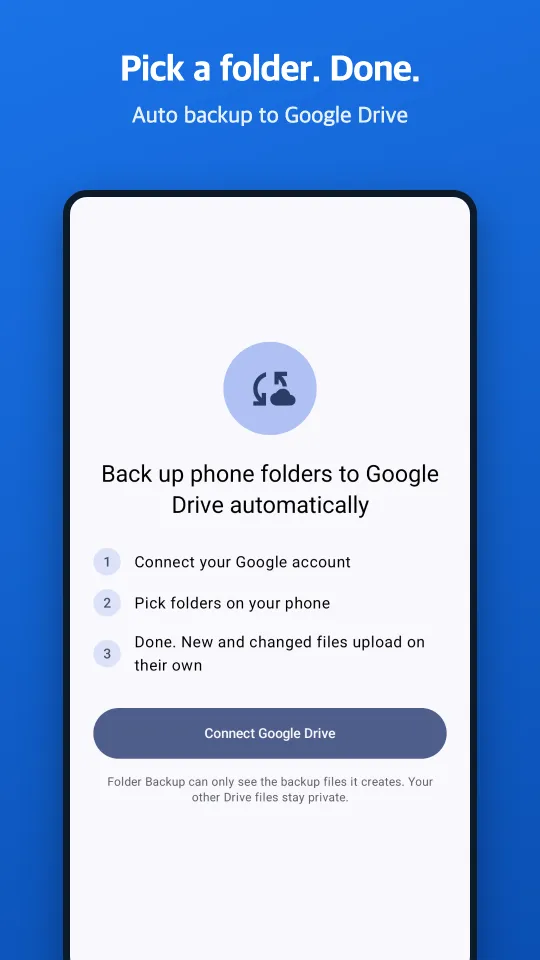
1. Connect Google
Connect the Google Drive account to back up to.
2. Pick folders
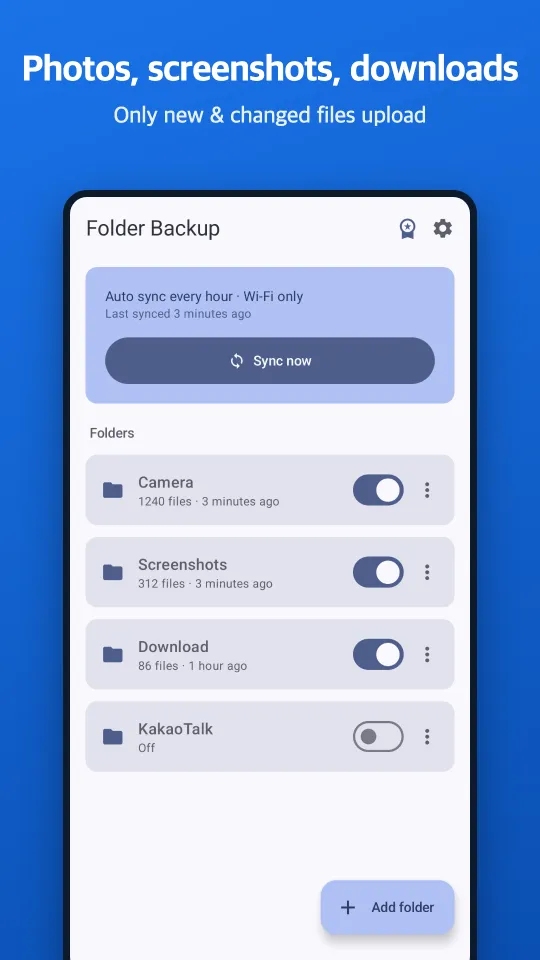
Camera, Screenshots, Download, WhatsApp, or any folder you like.
3. Done
Files sync automatically on schedule, or tap "Sync now" for an instant backup.
Great for
- Automatic photo and video backup from your gallery to Google Drive
- Keeping WhatsApp or Telegram photos and files safe
- Moving photos and folders before you switch to a new phone
- Seeing scanned documents, voice recordings and downloads on your PC
- Freeing up phone storage with a safe copy in the cloud
Features
Syncs only what changed
Uploads only new and changed files to save time and data, and mirrors your subfolders in Drive.
Easy on data and battery
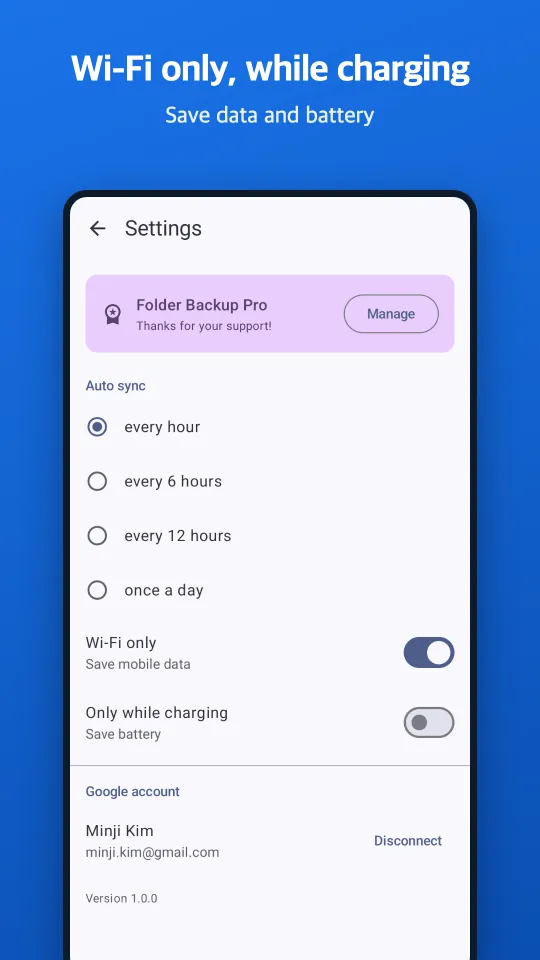
Sync on Wi-Fi only (default) or only while charging. Pauses when battery is low.
Safe one-way backup
Files you delete on your phone stay in Drive. Accesses only the backup files it creates.
No third-party servers
Files go straight from your phone to your own Google Drive.
Galaxy Fold and tablets
Unfold to see folders and settings side by side.
Free and Pro
Free: 1 folder, daily backup. Pro: unlimited folders, as often as hourly, no ads.
FAQ
Where are files saved?
In a "Folder Backup" folder in your Drive, under the name of each folder you choose.
If I delete a photo on my phone, is it deleted from Drive?
No. It's backup only, so the copy in Drive stays.
Does it back up videos?
Yes. Every file in the folders you choose is uploaded: photos, videos, documents and more.
Will the same file be uploaded twice?
No. Files already uploaded are skipped; only changed files are uploaded again.
How much Google Drive storage do I need?
Backups use your own Google Drive storage, starting with the free 15 GB.